Download Weibo Videos More Easily: GrabClip Launches the Weibo Video Parser Chrome Extension
If you often download videos from Weibo, there is now a simpler way to do it.
GrabClip has launched a new Chrome extension called Weibo Video Parser. Although the extension is named “Parser,” its most practical value for everyday users is simple: when you are browsing a Weibo video page, it helps you move faster into the next step of Weibo video download, Weibo video link handling, and follow-up processing on GrabClip.
You can install it from the Chrome Web Store here:
Weibo Video Parser - Chrome Web StoreIf you want to continue downloading videos or process video links further, you can also go to GrabClip:
GrabClip Weibo Video Downloader
What Is Weibo Video Parser?
Weibo Video Parser is a lightweight Chrome extension designed for users who frequently work with Weibo video content.
Its purpose is straightforward:
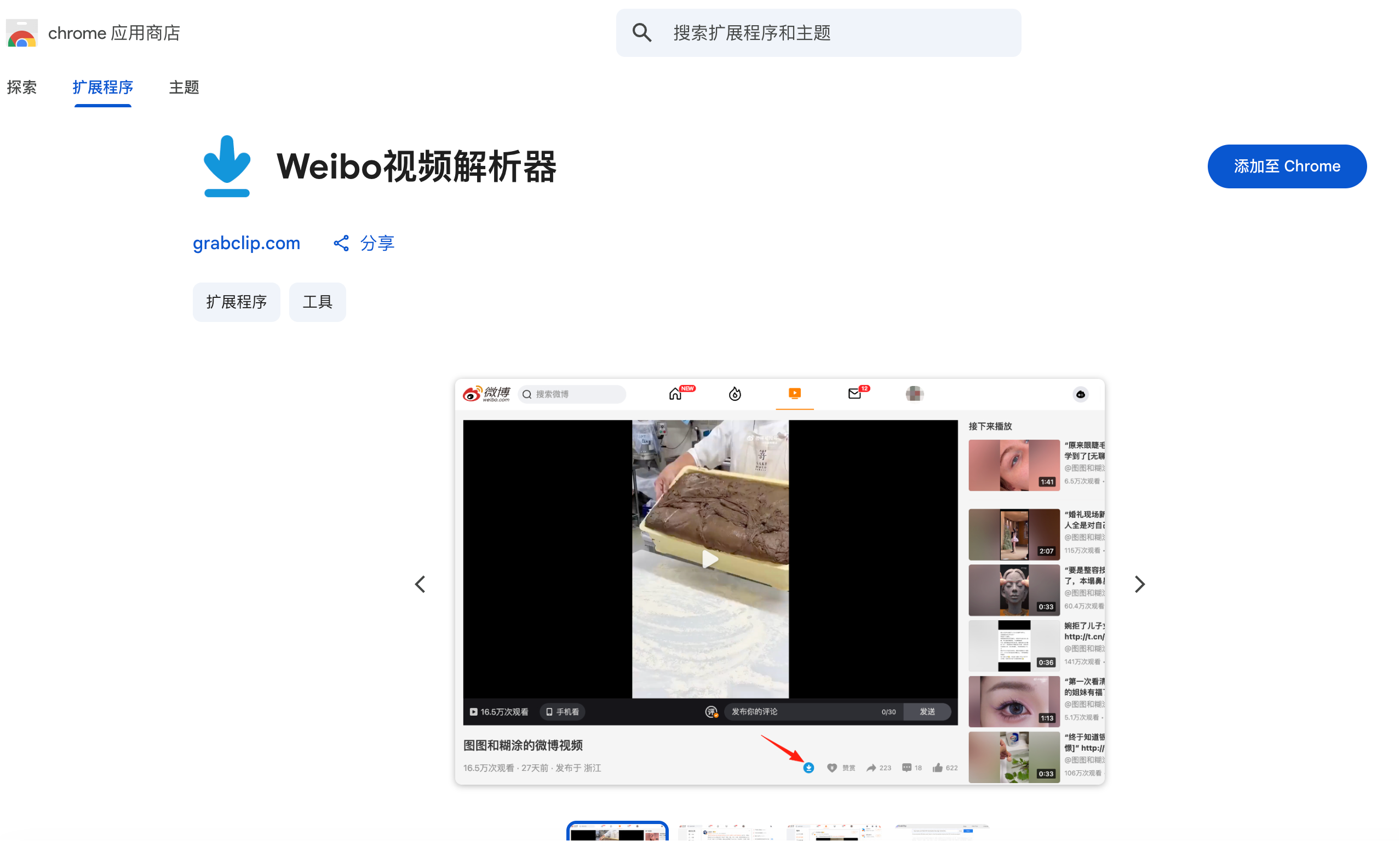
- Trigger actions quickly on Weibo video pages
- Organize publicly visible video-related information from the current page
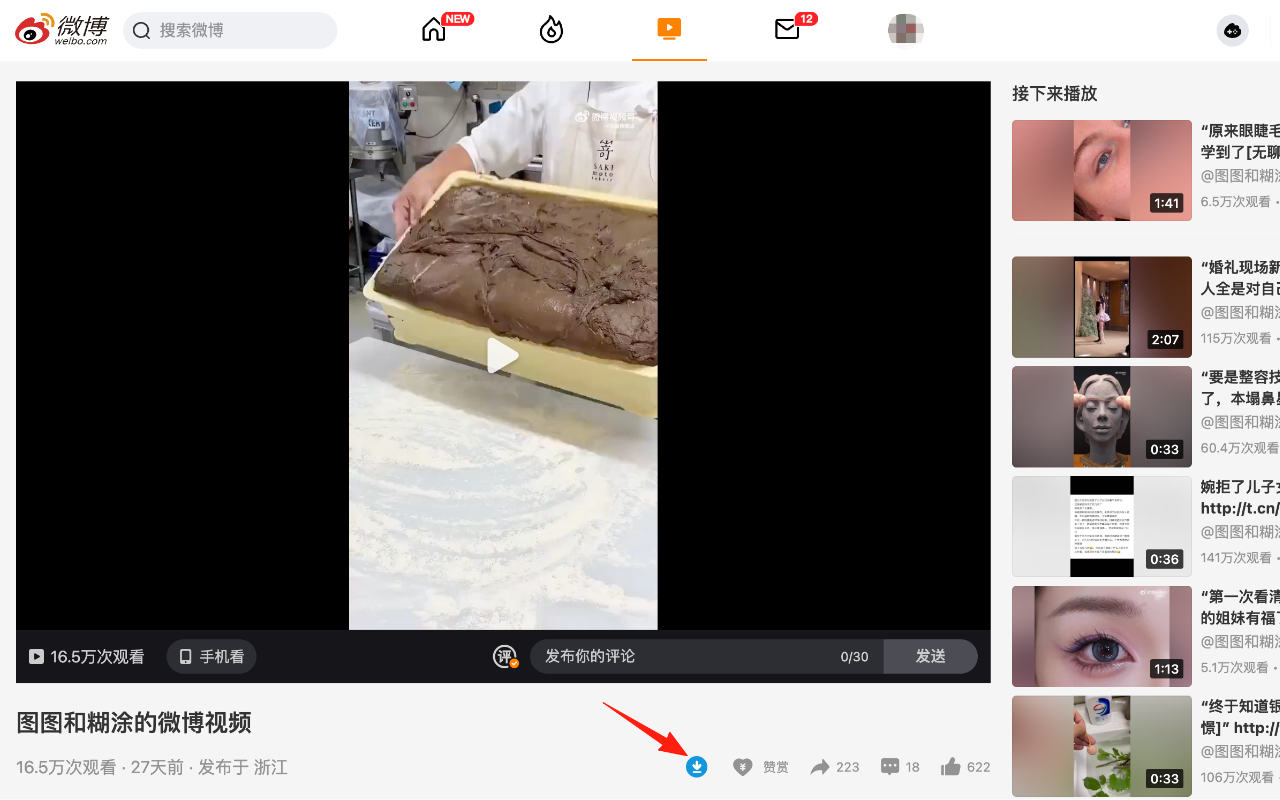
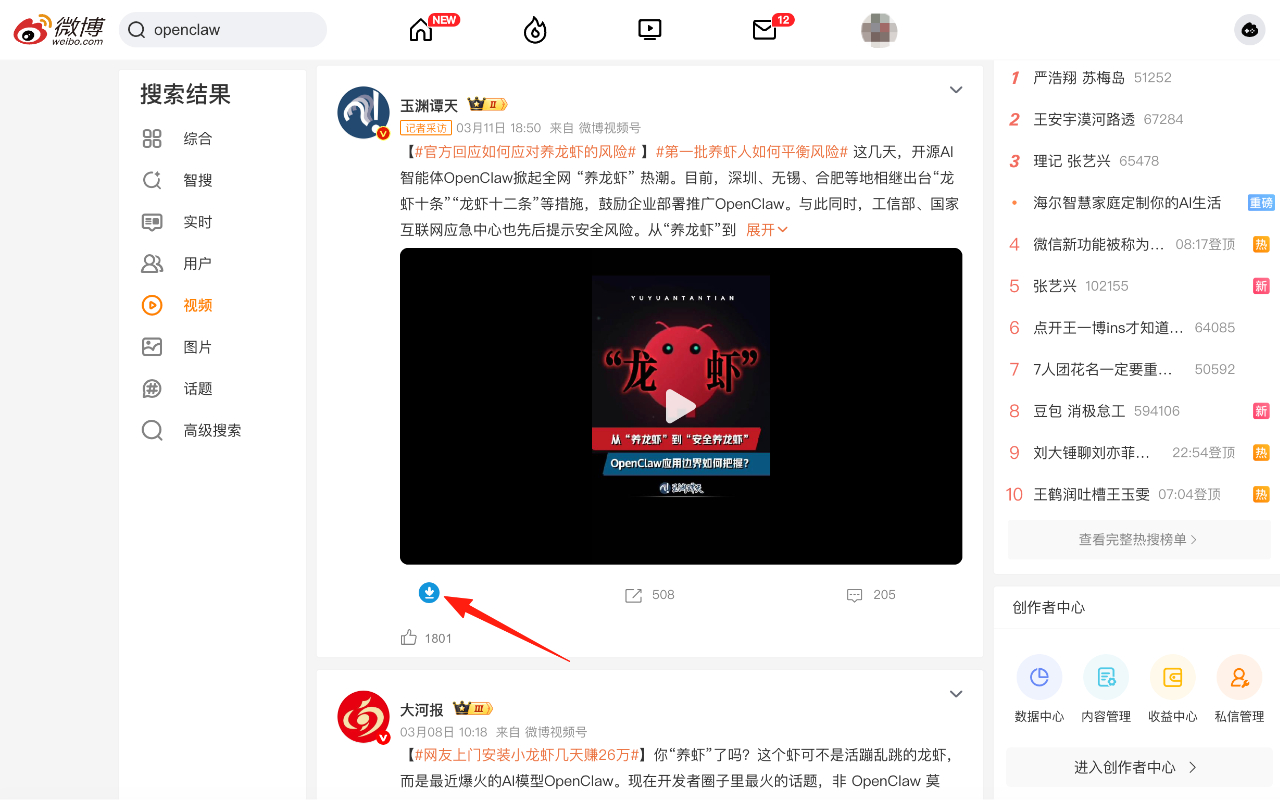
- Show a contextual action button on supported video pages
- Jump to GrabClip quickly for Weibo video download and further processing
For users who regularly download, organize, or handle Weibo video links, this is more convenient than manually copying links and switching between multiple pages every time.
Why Did We Build This Extension?
When people want to download Weibo videos, they often repeat the same steps:
- Open a Weibo video page
- Copy the video link
- Open a video download tool
- Paste the link
- Continue with download or further processing
This workflow is not difficult, but once you repeat it many times, it becomes inefficient.
That is exactly why Weibo Video Parser exists. While browsing Weibo videos, you can trigger the next step faster and move smoothly to GrabClip, where you can continue with Weibo video download, result checking, and follow-up link handling.
Who Is This Extension For?
This extension is especially useful for the following users.
1. People who frequently download Weibo videos
If you often download videos from Weibo, this extension can reduce repetitive copy-and-paste steps.
2. People collecting content and media references
When you find useful Weibo videos, you can move into GrabClip faster to download, organize, or keep track of those video links.
3. Users who want a faster workflow
If you regularly use a Weibo video downloader, removing an extra step can make the whole process much smoother.
What Are the Benefits of Using Weibo Video Parser?
Fewer manual steps
You do not need to copy the current video page link by hand every time before opening a downloader.
Better for frequent use
If you handle many Weibo videos every day, this kind of quick-access extension is much more convenient.
Works smoothly with GrabClip
The extension helps you reach GrabClip faster, where you can continue with Weibo video download, link handling, and other follow-up actions.
How to Use Weibo Video Parser
Using it is simple:
- Install Weibo Video Parser
- Open any Weibo video page
- Click the extension icon, or click the action button on the page
- The extension will organize the publicly visible information on the current page
- Go to GrabClip if needed and continue with downloading Weibo videos or further processing
This workflow is especially useful for people who already use GrabClip regularly.
Why Focus on “Weibo Video Download” Instead of “Parsing”?
Because that is what many users are actually looking for.
Most people are not searching for the technical word “parser.” They are searching for practical needs such as:
- Weibo video download
- Weibo video downloader
- download videos from Weibo
- Weibo video download tool
- how to download Weibo videos
That is where Weibo Video Parser becomes useful. It does not replace GrabClip. It makes the path to Weibo video download faster, easier, and more convenient.
What Can GrabClip + Weibo Video Parser Help You Do?
If you already download Weibo videos on desktop, this combination is more practical:
- Browse Weibo videos
- Trigger the next step quickly
- Organize publicly visible video page information
- Jump to GrabClip to download videos
- Continue with your own organization or follow-up workflow
For users who repeat this task often, this is more efficient than manually copying links every time.
Privacy and How It Works
Weibo Video Parser does not require a user account. It does not collect personal data, and it does not store or transmit user information. All actions are initiated by the user and handled inside the browser environment.
The extension is intended for educational, analytical, and productivity-related use cases, especially for people who want a more efficient way to work with Weibo video pages and downloads.
FAQ
What is Weibo Video Parser?
It is a lightweight Chrome extension that helps you take action faster on Weibo video pages, organize publicly visible page information, and jump to GrabClip to continue downloading.
Does this extension run automatically?
No. It only works when you actively click the extension icon or the action button on a supported page.
Where can I install the extension?
You can install it directly from the Chrome Web Store:
Weibo Video Parser - Chrome Web Store
Does it collect my data?
No. It does not require an account, and it does not collect, store, or transmit user information.
Who is it for?
It is useful for people who frequently download Weibo videos, collect content references, organize media, or regularly handle Weibo video links.
Try It Now
If you are looking for a more convenient Weibo video downloader, or want a faster way to handle Weibo video links and downloads, try Weibo Video Parser.
Install it now:
Weibo Video Parser - Chrome Web Store
You can also continue with GrabClip here:
GrabClip Weibo Video Downloader
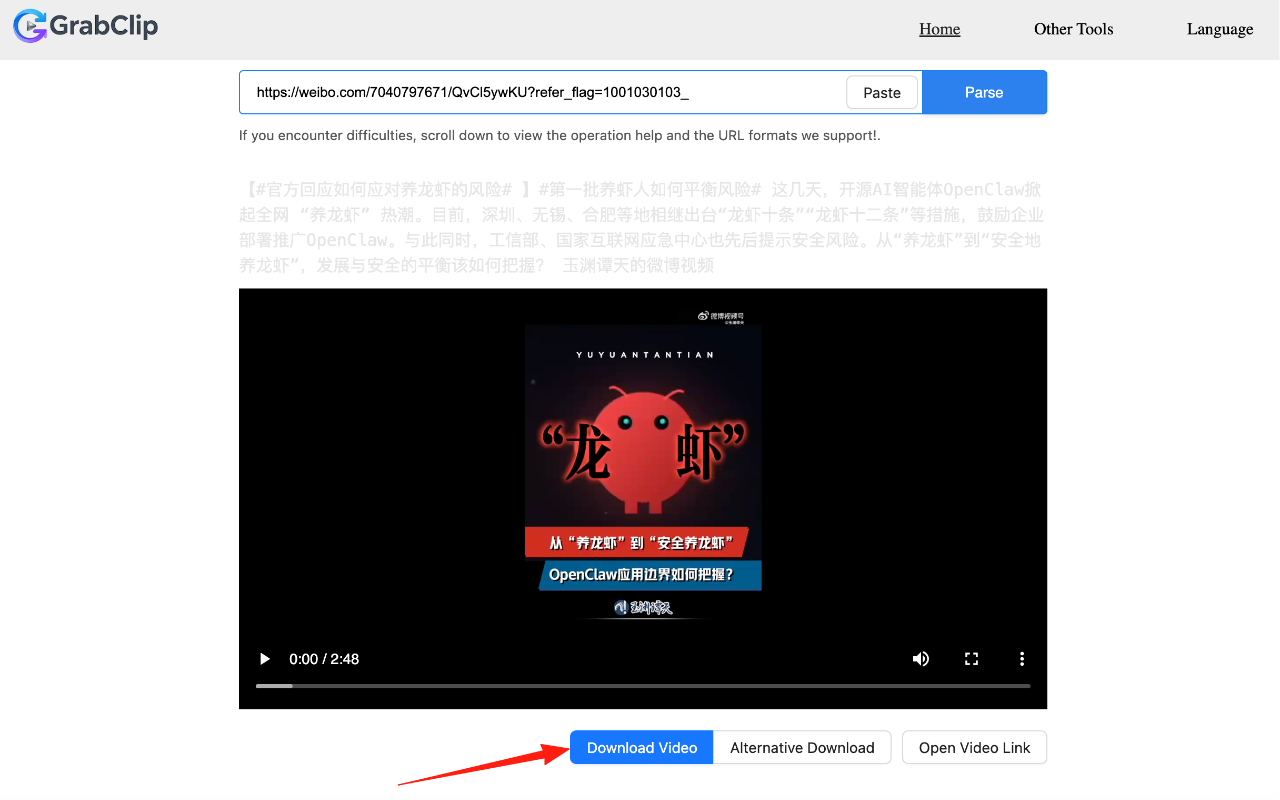
It makes the step from browsing a Weibo video to entering the download and follow-up workflow much faster.